


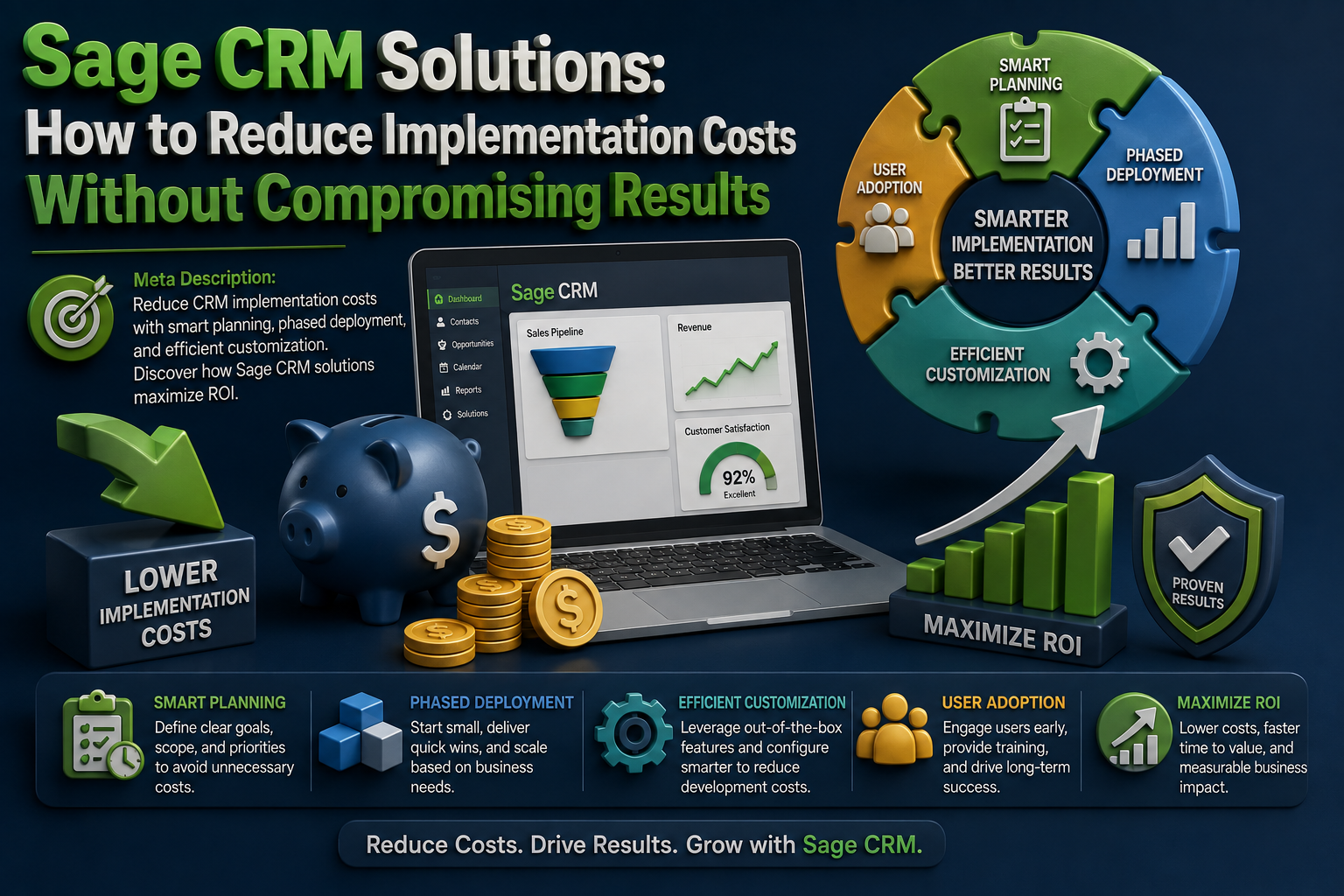
Implementing a CRM system is a very strategic investment that can transform how businesses manage customer relationships, sales pipelines, marketing campaigns, as well as customer service operations. However, many organizations worry about the costs associated with deployment, customization, training, and ongoing maintenance. The good news is that with the right approach, businesses can significantly reduce implementation expenses while still maximizing the benefits of Sage CRM solutions.
Understand Your Business Requirements First
One of the most common reasons CRM projects exceed their budgets is a lack of clear planning. Many businesses purchase additional features, integrations, or customizations they never actually use. Before implementing Sage CRM solutions, it is essential to define your objectives and identify the exact challenges you want the system to address.
Start by answering key questions:
By creating a detailed requirements list, companies can avoid unnecessary spending and focus only on the functionality that delivers real value.
Choose the Right Deployment Strategy
Not every business requires a highly customized CRM environment. In many cases, standard configurations can meet operational needs while significantly reducing implementation expenses.
Organizations should evaluate:
Selecting the most appropriate deployment model helps reduce development time and lowers consulting costs. A streamlined implementation often reaches productivity faster while keeping projects within budget.
Minimize Customization Whenever Possible
Customization can make a CRM system more aligned with business operations, but excessive modifications often lead to increased costs and longer deployment timelines.
Modern Sage CRM solutions already include features designed to support your sales, marketing, and customer service activities. Instead of changing the CRM to match every existing process, consider adapting workflows to align with industry best practices built into the platform.
Benefits of limiting customization include:
Businesses that focus on essential customizations only can achieve significant cost savings while maintaining system effectiveness.
Prioritize Critical Integrations
Integrating CRM software with accounting, ERP, email, and marketing systems can improve efficiency. However, implementing every possible integration at once can quickly increase project costs.
A smarter approach is to identify mission-critical integrations first. For example:
By prioritizing only the integrations that deliver immediate business value, companies can control initial implementation expenses and expand functionality later as needed.
Invest in User Training Early
Poor user adoption is one of the prominent causes of CRM project failure. When employees struggle to understand the system, productivity decreases and organizations often spend additional money on support and retraining.
Providing structured training during implementation helps users become comfortable with the platform from the beginning. Effective training should focus on:
Well-trained employees use the CRM more efficiently, reducing errors and minimizing the need for costly corrective measures later.
Clean and Organize Data Before Migration
Data migration can become unexpectedly expensive when organizations attempt to move outdated, duplicate, or inaccurate records into a new CRM system.
Before implementing Sage CRM solutions, conduct a thorough data audit. Remove unnecessary records and standardize customer information to ensure better quality data enters the new platform.
Benefits of pre-migration data cleaning include:
Clean data supports better business decisions and prevents future operational challenges.
Use a Phased Implementation Approach
Many businesses attempt to deploy every CRM feature simultaneously. While this may seem efficient, it often increases complexity, risks, and costs.
A phased implementation allows organizations to:
This approach reduces pressure on internal teams and provides opportunities to adjust the project based on real-world feedback. As a result, businesses can better control budgets while achieving higher adoption rates.
Leverage Internal Resources
While external consultants play a valuable role, relying entirely on third-party implementation teams can significantly increase costs.
Organizations can reduce expenses by identifying internal champions who can:
Developing in-house expertise helps reduce long-term dependence on external resources and lowers operational costs after implementation.
Monitor Performance and Optimize Continuously
Implementation should not be viewed as a one-time project. Continuous monitoring helps businesses identify inefficiencies and maximize their CRM investment.
Key performance indicators may include:
Regular reviews help organizations make informed adjustments without expensive overhauls, ensuring that Sage CRM solutions continue to support business growth effectively.
Conclusion
Reducing CRM implementation costs does not mean sacrificing quality or functionality. By focusing on clear business requirements, limiting unnecessary customization, prioritizing critical integrations, ensuring proper user training, and adopting a phased rollout strategy, organizations can achieve a successful deployment while maintaining budget control.
The right implementation strategy transforms Sage CRM solutions into a powerful tool for improving customer relationships, streamlining operations, and driving long-term business growth.
Ready to find the ideal CRM for your business? Visit CRM Systems to explore expert CRM guidance, compare solutions, and discover the best platform to support your organization’s success.

Acumatica 2026 R2 Is Here: What’s New?

Sage CRM + Sage ERP Integration: Connecting Sales With the Rest of Your Business
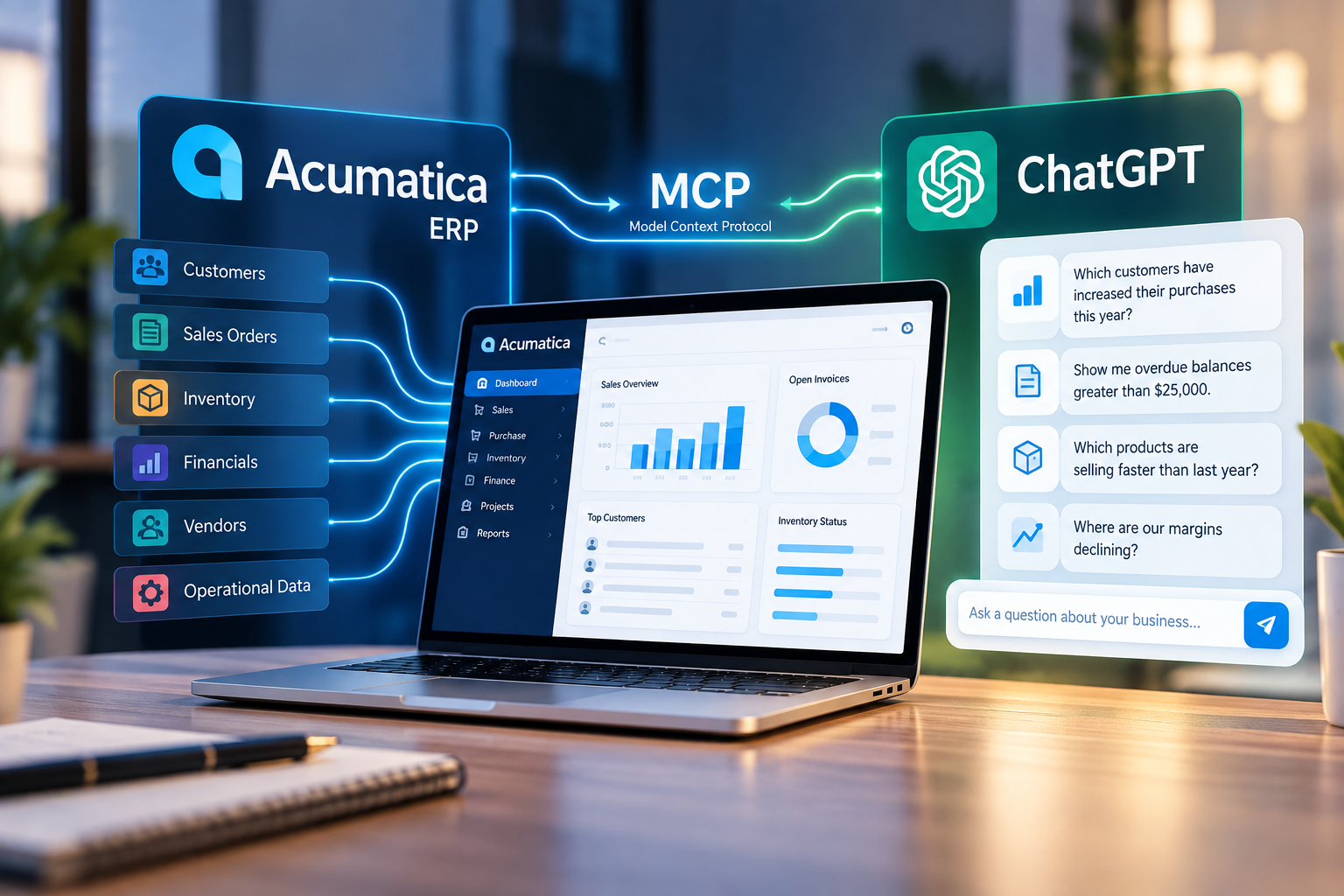
Acumatica + ChatGPT: What the New MCP Connection Means for Your Business
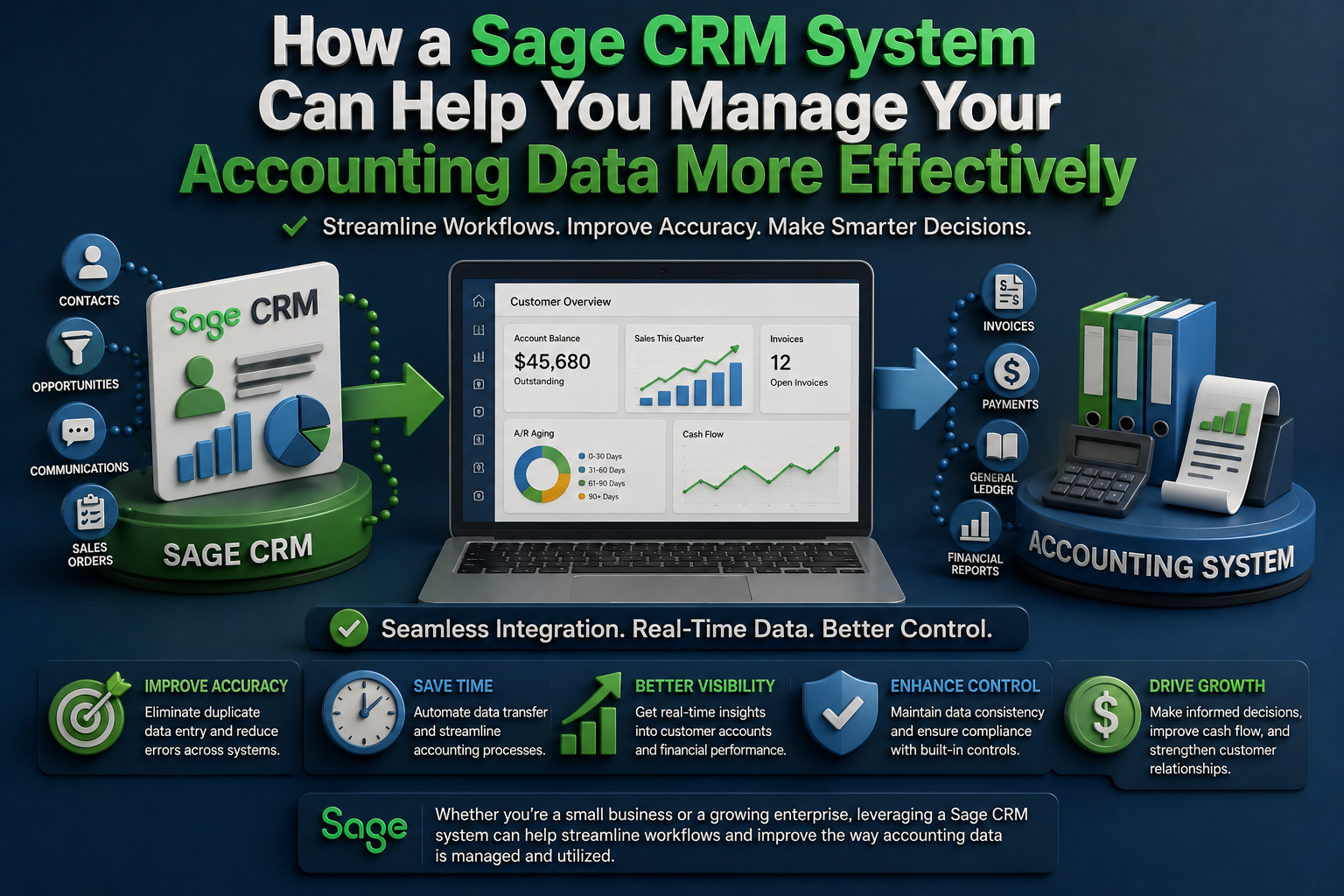
How a Sage CRM System Can Help You Manage Your Accounting Data More Effectively
Sage CRM Solutions: How to Reduce Implementation Costs Without Compromising Results