

Your sales team works in CRM.
Your accounting and operations teams work in ERP.
But your customers don’t care which system contains the information they need.
When a customer calls a salesperson asking about an order, invoice, payment or previous purchase, they expect an answer—not an explanation that someone needs to check another system.
That’s where Sage CRM and ERP integration can make a significant difference.
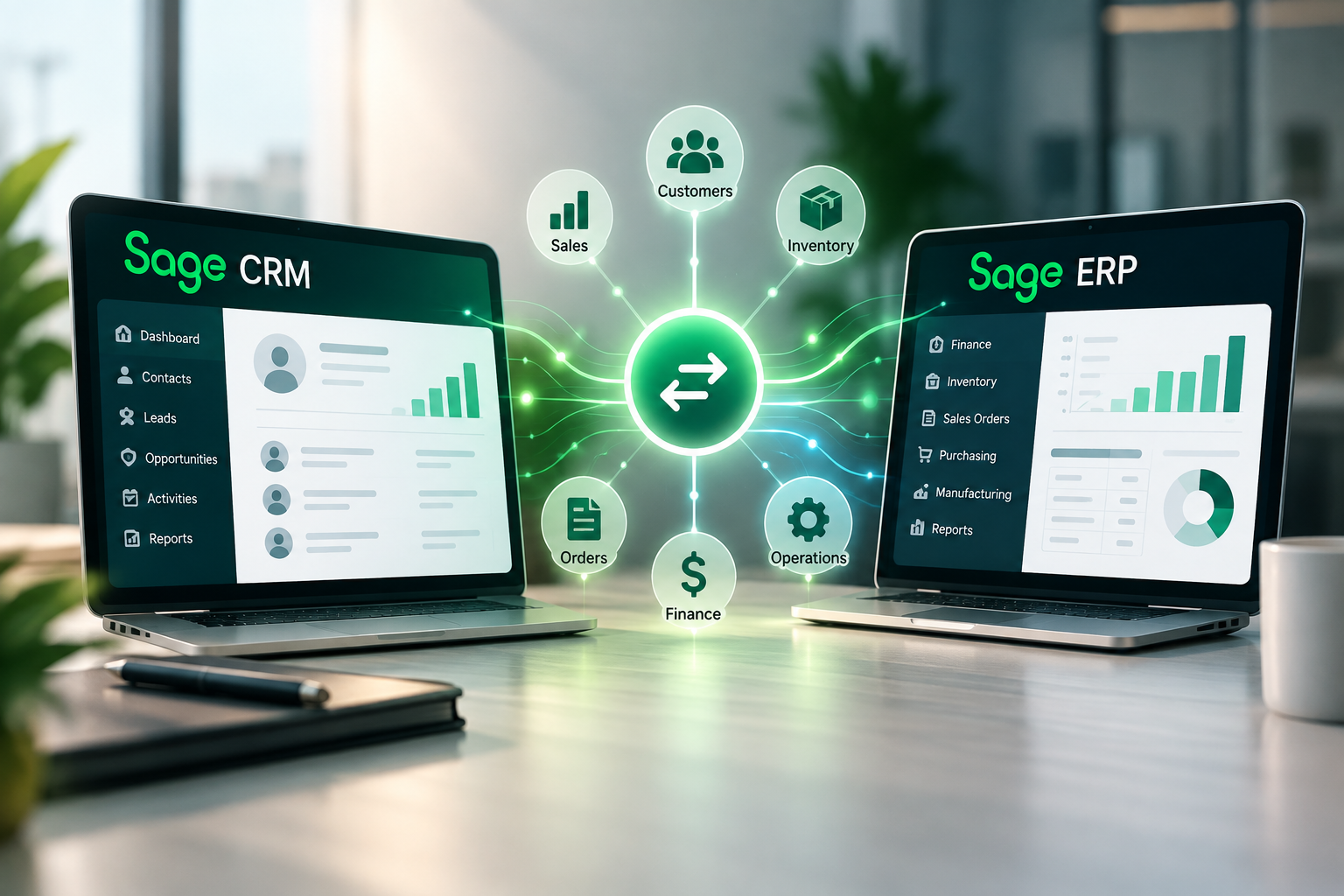
By connecting customer-facing CRM information with the financial and operational information contained in your Sage ERP system, businesses can create a more complete view of the customer while reducing duplicate data entry and unnecessary communication between departments.
CRM and ERP are designed to manage different—but closely related—parts of the business.
Sage CRM helps manage customer relationships, including:
Your Sage ERP system manages the operational and financial side of those relationships, including:
Individually, both systems provide valuable information.
Integrated, they can provide something much more useful:
A more complete view of the customer.
Consider a common situation.
A customer calls a salesperson and asks:
“Did my order ship?”
Then:
“What did we pay the last time we ordered this product?”
And finally:
“Do we have any unpaid invoices?”
Without CRM/ERP integration, the salesperson may need to log into another system, contact accounting or customer service, or tell the customer they’ll call back.
With Sage CRM and ERP integration, appropriate ERP information can be made available from the customer’s CRM record.
Depending on the Sage ERP integration being used, that can include information such as:
The salesperson gets a more complete picture of the customer without having to become an ERP or accounting-system expert.
Disconnected CRM and ERP systems often create another problem:
The same information gets entered twice.
A salesperson creates a customer in CRM.
Accounting creates the same customer in ERP.
An address changes in one system but not the other.
A company name is entered differently.
Before long, employees aren’t sure which system contains the correct information.
Integration can help establish a more consistent flow of information between CRM and ERP.
Instead of maintaining two disconnected versions of the customer, organizations can determine which system owns particular information and how that information should be synchronized.
The result can be:
One of the most valuable integration opportunities occurs when a prospect becomes a customer.
The sales process may begin in Sage CRM with:
Lead → Opportunity → Quote → Sale
Once the sale occurs, the process moves into ERP:
Customer → Sales Order → Shipment → Invoice → Payment
Without integration, employees may have to manually transfer information between those processes.
With the right CRM/ERP integration, information can flow more efficiently from the sales process into the operational and financial process.
That can reduce rekeying while helping ensure that the information captured during the sale follows the customer into fulfillment and accounting.
A CRM system tells you about the relationship.
An ERP system tells you about the transactions.
Combine them and you begin to see the complete customer.
Imagine opening a customer record and being able to understand:
This is where CRM/ERP integration moves beyond convenience.
It becomes a tool for better sales decisions.
Some of the most valuable sales opportunities may already exist inside your ERP system.
For example:
ERP contains the transaction history.
CRM provides the sales process needed to act on it.
Connecting the two can help transform historical ERP data into actionable sales information.
CRM/ERP integration can also improve the customer experience.
Customers don’t think in terms of departments.
They don’t care whether their question belongs to sales, accounting, shipping or customer service.
They simply want an answer.
Giving customer-facing employees access to appropriate ERP information can reduce internal handoffs and allow more questions to be answered during the first interaction.
That can mean:
Integration Is About Business Process, Not Just Technology
Connecting two software systems is only part of a successful CRM/ERP integration.
The more important questions are business questions.
These decisions determine whether an integration actually improves the business.
That’s why CRM/ERP integration should begin with a business process review, not simply a technical connection between databases.
What About AI?
CRM/ERP integration also creates an important foundation for the next generation of business intelligence.
AI becomes considerably more useful when it can work with a complete picture of the customer.
Instead of analyzing CRM opportunities separately from ERP transactions, organizations can increasingly look for relationships between:
This creates opportunities for questions such as:
The quality of those answers depends heavily on the quality and accessibility of the underlying business data.
Connecting CRM and ERP is therefore not just an integration project.
It can also be an important step toward becoming an AI-ready business.
If your sales team is working in Sage CRM while your financial and operational information lives in a Sage ERP system, there may be significant opportunities to improve how those systems work together.
CRM Systems, Inc. helps organizations evaluate, implement and optimize Sage CRM and Sage ERP integrations.
Our approach starts with the business process:
From there, we can help develop an integration strategy designed around the way your organization actually does business.
Is Your Sage CRM Connected to the Rest of Your Business?
Schedule a complimentary 30-minute Sage CRM/ERP Business Process Review with CRM Systems.
We’ll discuss your existing Sage environment and identify opportunities to improve integration, automation, customer visibility and business intelligence.
CRM Systems, Inc.
Serving the United States and Canada
Acumatica 2026 R2 Is Here: What’s New?
Sage CRM + Sage ERP Integration: Connecting Sales With the Rest of Your Business
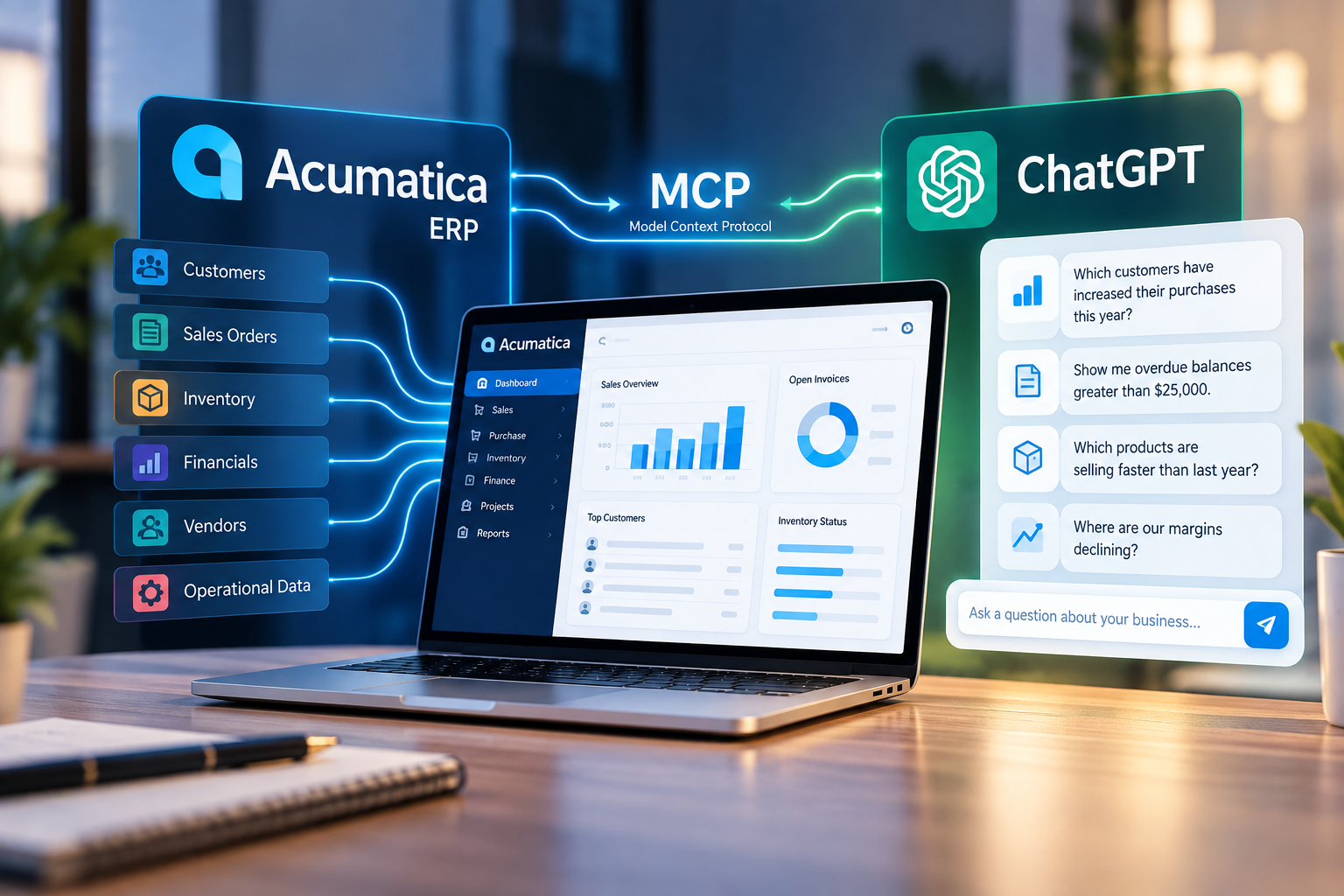
Acumatica + ChatGPT: What the New MCP Connection Means for Your Business
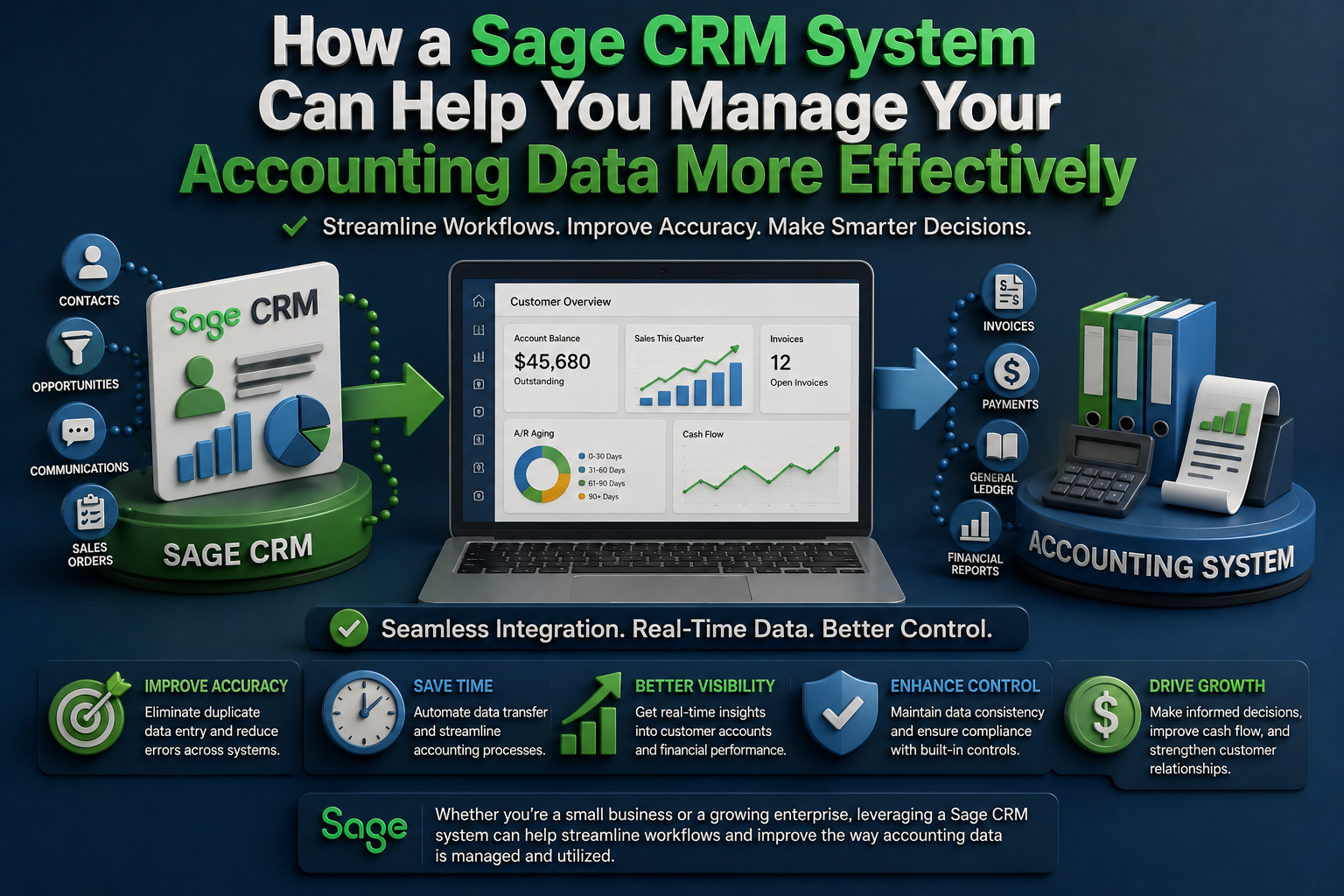
How a Sage CRM System Can Help You Manage Your Accounting Data More Effectively
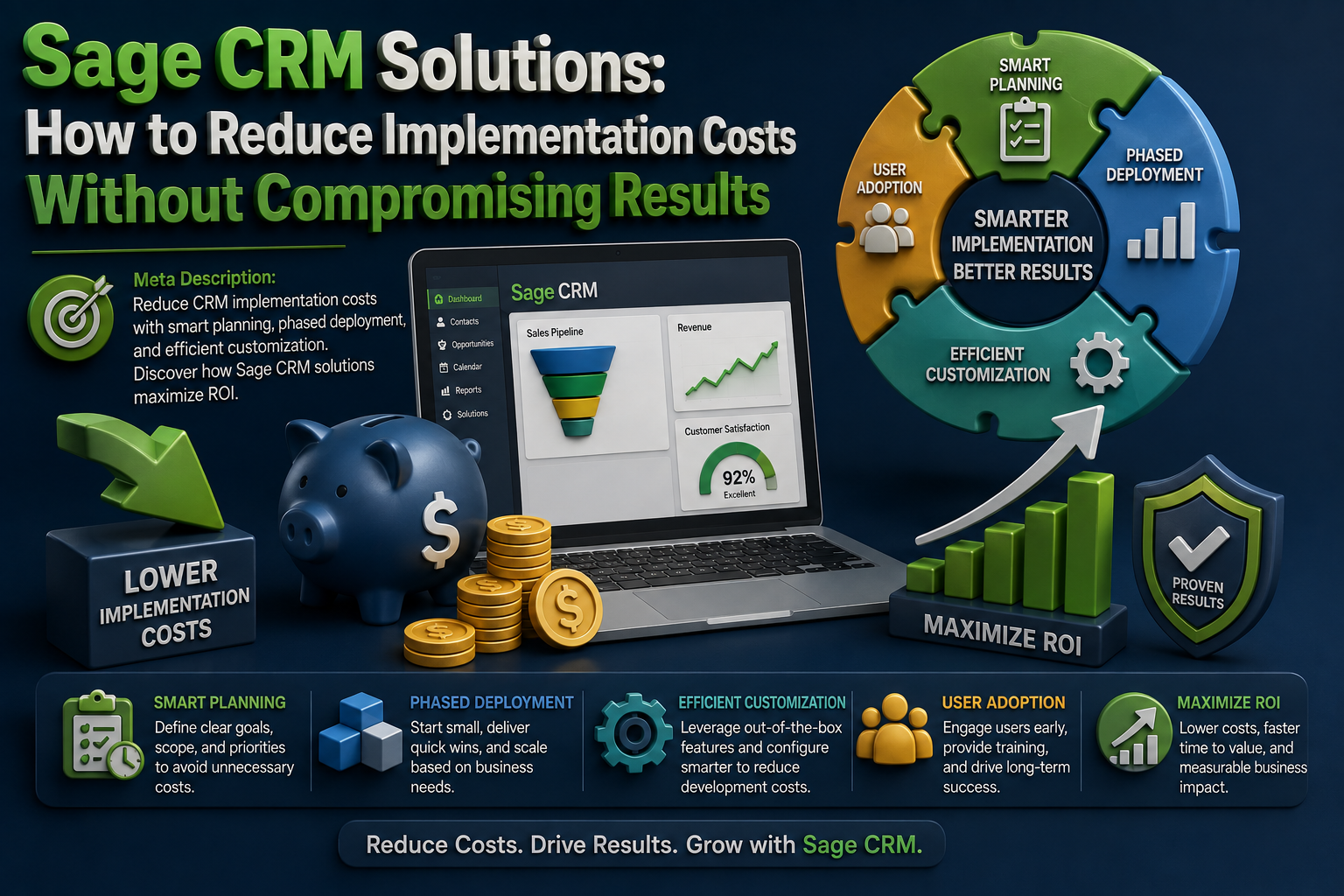
Sage CRM Solutions: How to Reduce Implementation Costs Without Compromising Results