



In today’s competitive business environment, efficiency and automation are critical to success. Companies that rely on the manual processes often face delays, errors, and missed opportunities. This is where Sage CRM workflow comes into play. By automating routine tasks, standardizing processes, and ensuring accountability, Sage CRM workflows empower businesses to operate more smoothly, improve customer experiences, and drive growth.
What is Sage CRM Workflow?
A workflow in Sage CRM is a set of automated rules and actions that guide business processes. It ensures that tasks are completed consistently and on time, while reducing the need for manual intervention. Workflows can be applied to sales, marketing, customer service, and administrative functions, making them versatile tools for businesses of all sizes.
For example, a workflow can automatically assign new leads to the right sales representative, send follow-up emails after customer interactions, or escalate unresolved service tickets to managers. This level of automation saves time and ensures that no critical step is overlooked.
Key Benefits of Sage CRM Workflow
Workflows eliminate repetitive manual tasks, allowing employees to focus on higher-value activities. Automated reminders, notifications, and task assignments keep processes moving without delays.
By standardizing procedures, Sage CRM workflow ensures that every customer receives the same level of service. This consistency builds trust and strengthens brand reputation.
Workflows help businesses respond faster to customer inquiries, follow up on leads promptly, and resolve issues efficiently. Customers benefit from smoother interactions and quicker resolutions.
Workflows track progress and clearly assign responsibilities. Managers can monitor performance, identify bottlenecks, and ensure accountability across teams.
As businesses grow, workflows can be adapted to handle increased volumes of leads, service requests, or marketing campaigns without overwhelming staff.
Common Applications of Sage CRM Workflow
Sales Automation
Marketing Campaigns
Customer Service
Internal Operations
How to Build Effective Workflows in Sage CRM
Best Practices for Sage CRM Workflow
Challenges to Anticipate
While Sage CRM workflows are powerful, businesses should be mindful of potential challenges:
By anticipating these challenges, businesses can implement workflows smoothly and maximize their benefits.
Conclusion
Sage CRM workflow is a game-changer for businesses seeking efficiency, consistency, and scalability. By automating routine tasks, standardizing processes, and enhancing accountability, workflows empower teams to focus on what matters most—building relationships and driving growth. Whether applied to sales, marketing, customer service, or internal operations, Sage CRM workflows provide the structure and automation needed to thrive in today’s fast-paced business environment.
Visit CRM Systems today to explore expert guidance and solutions tailored to your needs.
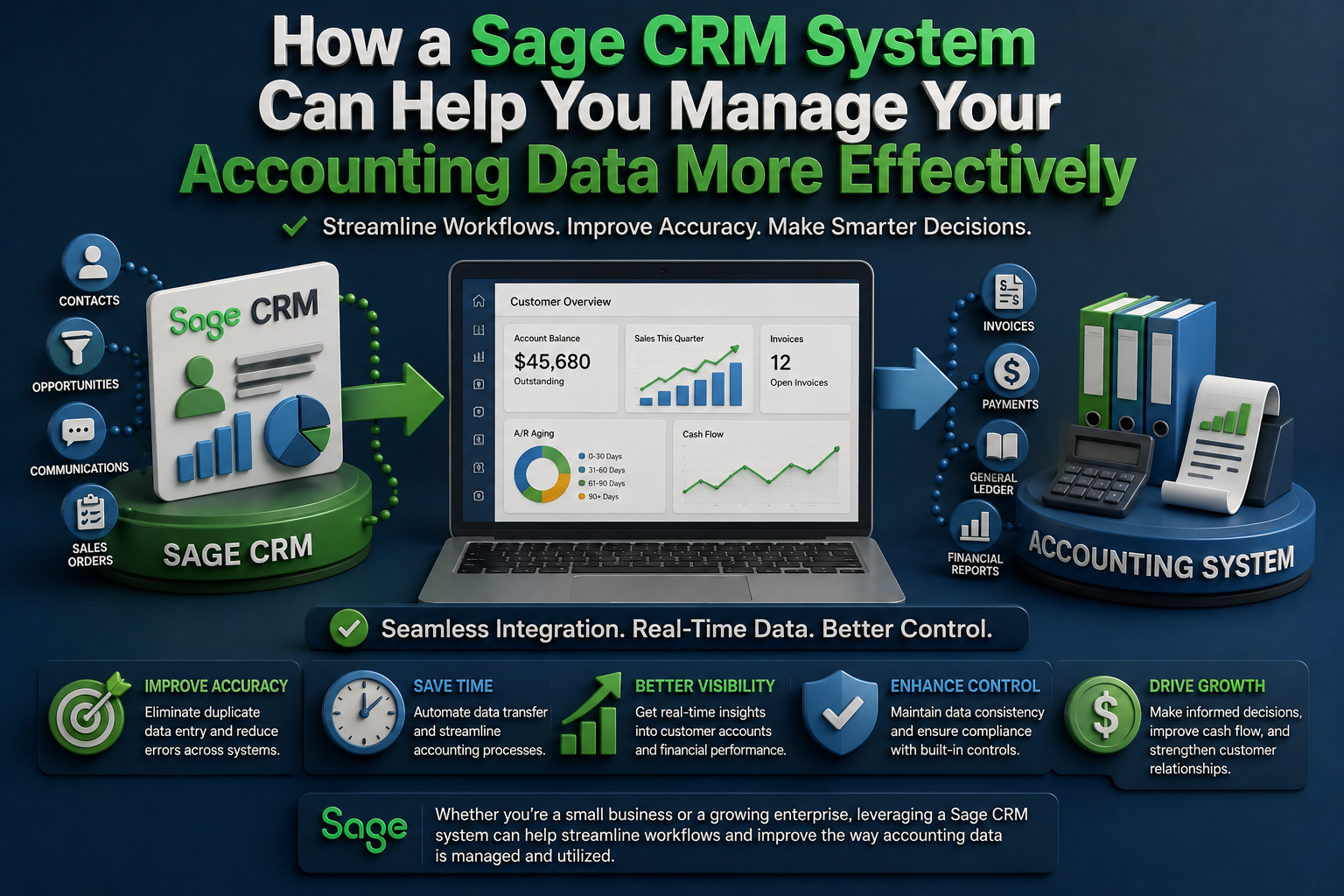
How a Sage CRM System Can Help You Manage Your Accounting Data More Effectively
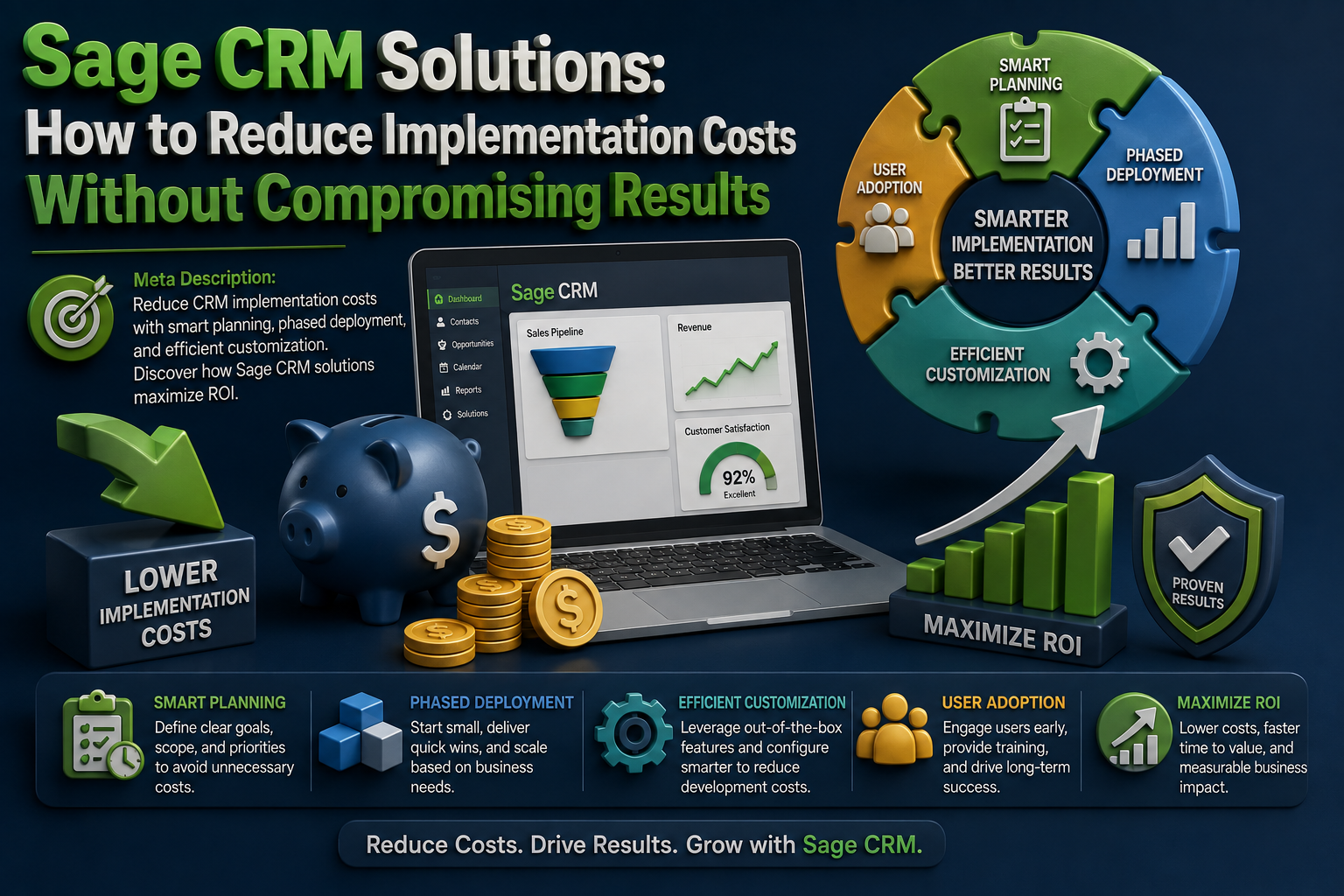
Sage CRM Solutions: How to Reduce Implementation Costs Without Compromising Results
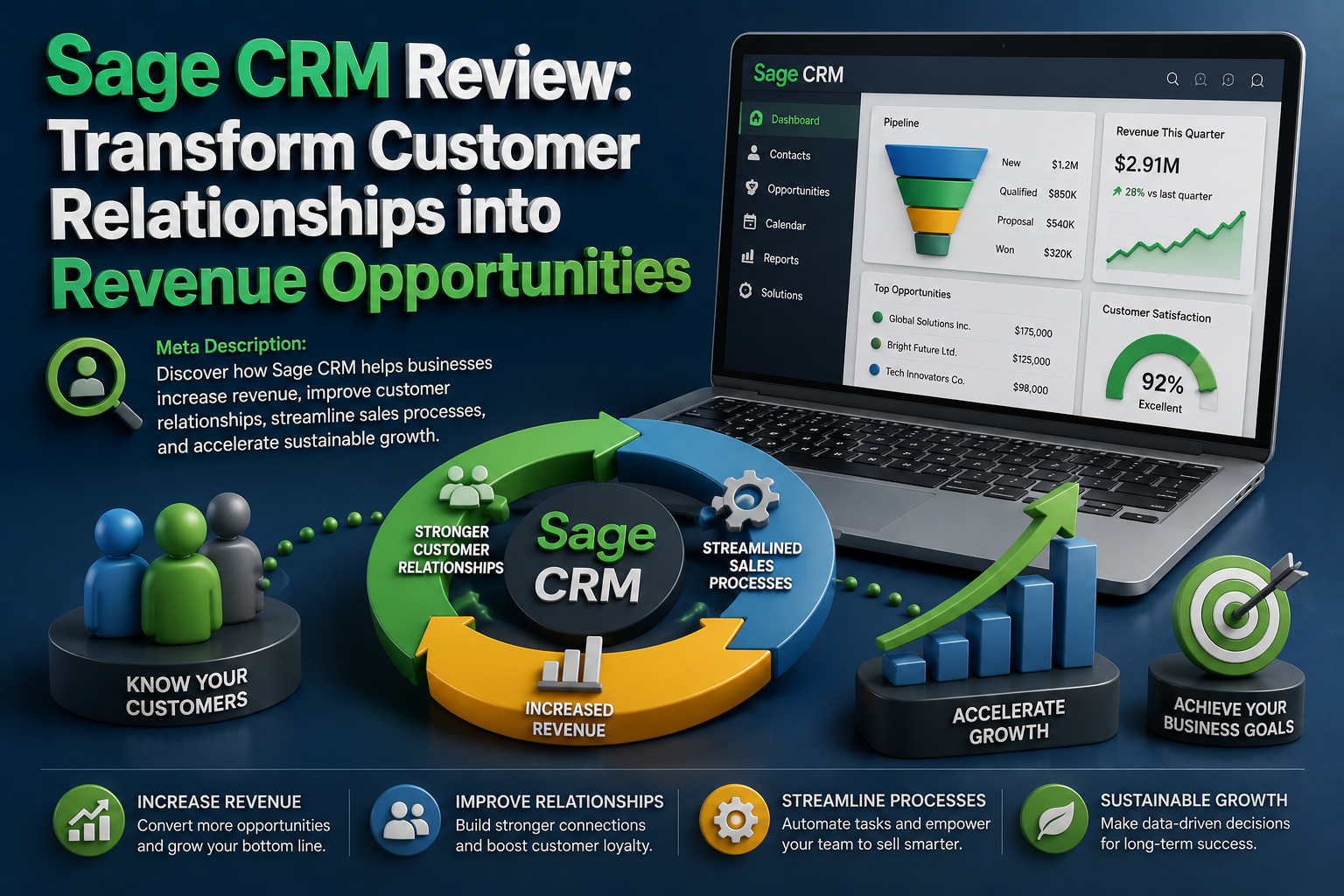
Sage CRM Review: Transform Customer Relationships into Revenue Opportunities
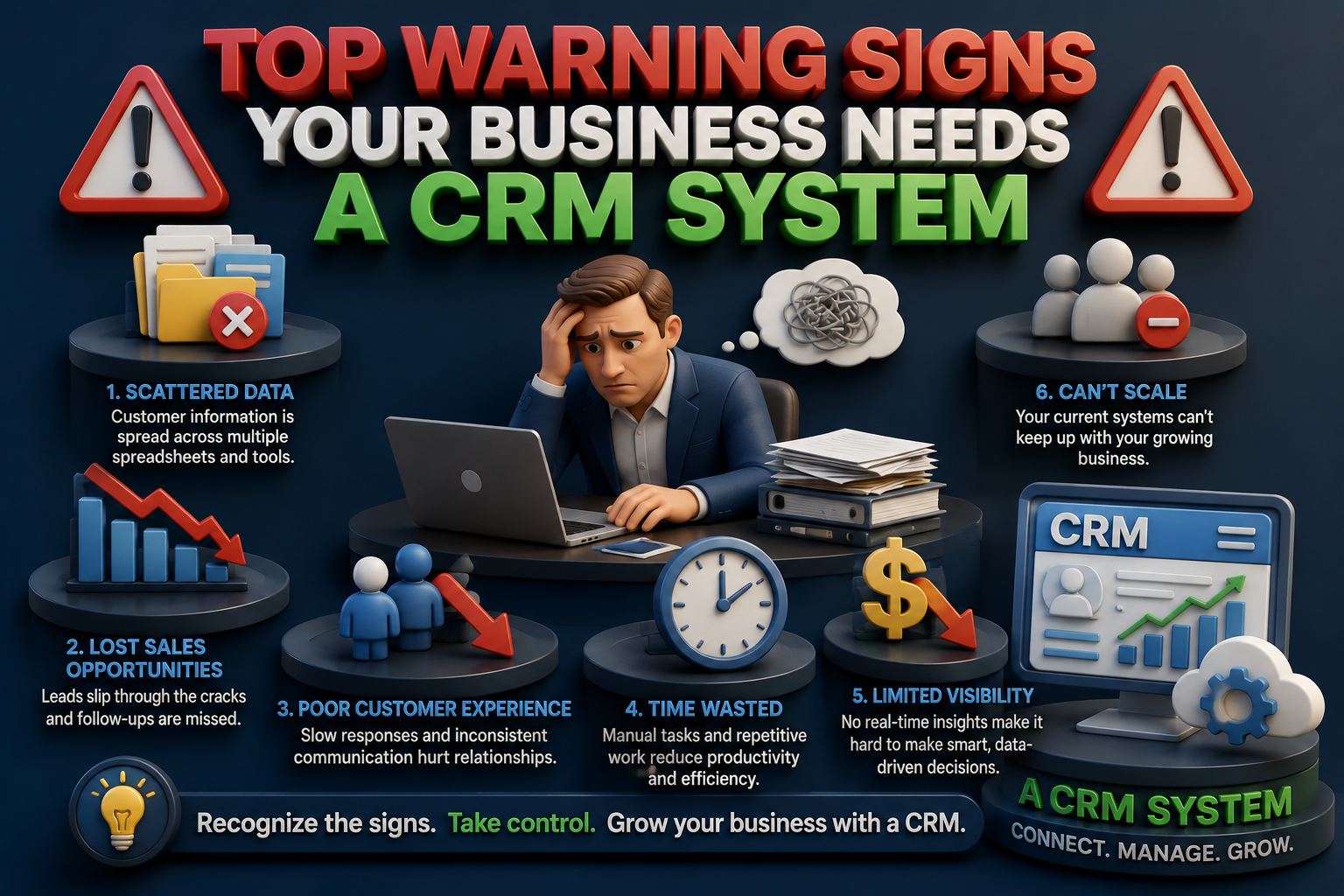
Top Warning Signs Your Business Needs a CRM System
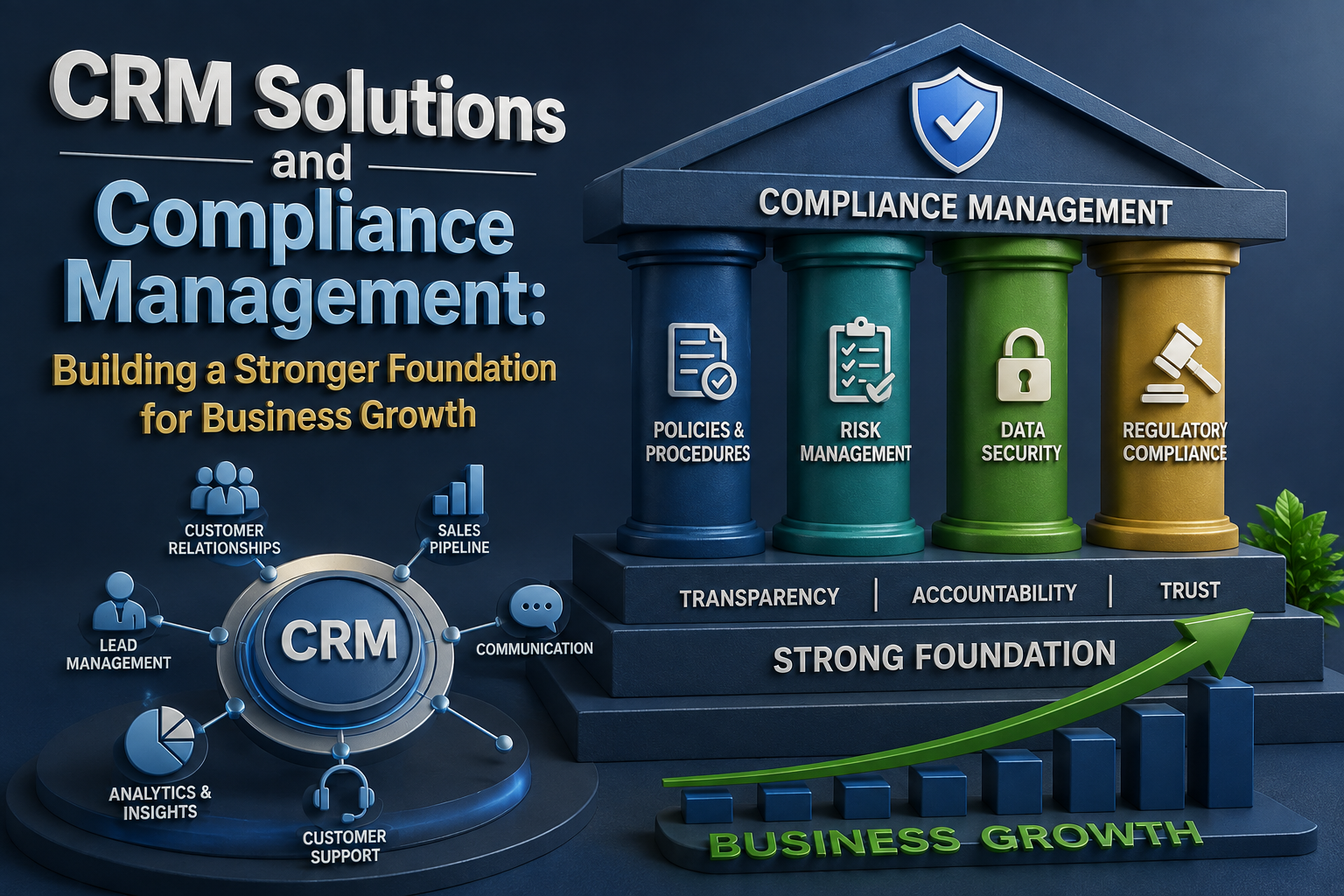
CRM Solutions and Compliance Management: Building a Stronger Foundation for Business Growth