


Customer Relationship Management (CRM) systems are the backbone of modern business operations. They centralize customer data, streamline sales processes, and provide insights that drive smarter decisions. Sage CRM is one of the most versatile platforms available, but like any tool, its effectiveness depends on how well your team uses it. Without proper training, even the most advanced CRM can become underutilized that’s why investing in Sage CRM training is essential. It equips your team with the knowledge, confidence, and strategies to maximize the system’s potential and deliver measurable results.
Why Sage CRM Training Matters?
Many organizations mistakenly assume that simply installing Sage CRM will solve their customer management challenges. In reality, adoption is the biggest hurdle. Employees often resist change, feel overwhelmed by new technology, or revert to old habits. Structured sage crm training addresses these issues by:
Training transforms Sage CRM from a software purchase into a strategic investment.
Steps to Deliver Effective Sage CRM Training
Start by evaluating your team’s current knowledge. Are they new to CRM systems, or do they have prior experience? Understanding their baseline helps tailor the training program. For example, beginners may need more time with navigation basics, while advanced users may benefit from deeper dives into reporting and analytics.
Define what success looks like. Objectives might include:
Clear goals ensure that training is focused and measurable.
Introduce the basics: dashboards, navigation, and core modules. Hands-on practice is critical encourage participants to explore the system during sessions. This builds confidence and reduces anxiety about using new technology.
Training should connect Sage CRM features to everyday tasks. Show how the system can:
When employees see direct benefits, they’re more likely to embrace the system.
Different departments use Sage CRM differently. Sales teams focus on pipeline management, while marketing teams leverage campaign tools. Tailor training to each role to ensure relevance and effectiveness. This prevents employees from feeling overwhelmed by features they don’t need.
CRM systems thrive when teams work together. Training should emphasize how Sage CRM fosters collaboration by sharing data, tracking progress, and aligning strategies across departments. For example, marketing can feed qualified leads into sales pipelines, while customer service can log interactions that inform future campaigns.
Training isn’t a one-time event. Offer refresher sessions, advanced workshops, and access to resources. Encourage employees to ask questions and share best practices. Continuous learning keeps skills sharp and ensures long-term success.
Common Challenges in CRM Training and How to Overcome Them
By anticipating these challenges, you can design a training program that sticks.
Advanced Strategies for Sage CRM Training
Gamification
Introduce gamified elements such as leaderboards, badges, or rewards for completing training modules. This makes learning fun and motivates employees to engage with the system.
Scenario-Based Learning
Create scenarios that mimic real business challenges. For example, simulate a sales pipeline where employees must track leads, schedule follow-ups, and close deals using Sage CRM.
Peer-to-Peer Learning
Encourage experienced users to mentor new employees. Peer learning fosters collaboration and builds confidence.
Customized Dashboards
Show employees how to personalize dashboards to suit their roles. This makes the system feel more intuitive and relevant.
Feedback Loops
Collect feedback after each training session. Use it to refine future sessions and address gaps in understanding.
Benefits of Effective Sage CRM Training
When training is done right, the benefits are significant:
Ultimately, training empowers your team to use Sage CRM not just as software, but as a driver of business success.
Case Example: Training in Action
Consider a mid-sized company that struggled with inconsistent data entry and poor lead follow-up. After implementing structured sage CRM training, the sales team learned how to track leads systematically, marketing aligned campaigns with sales pipelines, and customer service logged interactions that informed future strategies. Within six months, lead conversion rates improved by 20%, and customer satisfaction scores rose significantly.
This example illustrates how training directly impacts business outcomes.
Don’t let your Sage CRM investment go underutilized. Structured sage CRM training is the key to empowering your team, improving customer relationships, and driving growth.
Explore tailored training solutions today at CRM Systems and give your team the tools they need to succeed.
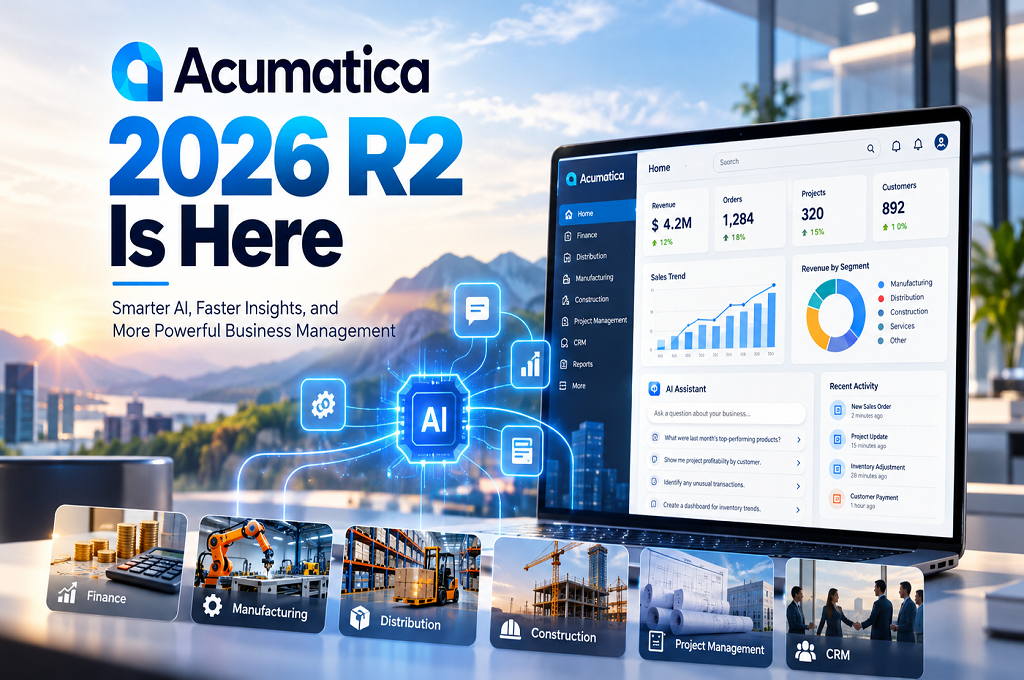
Acumatica 2026 R2 Is Here: What’s New?
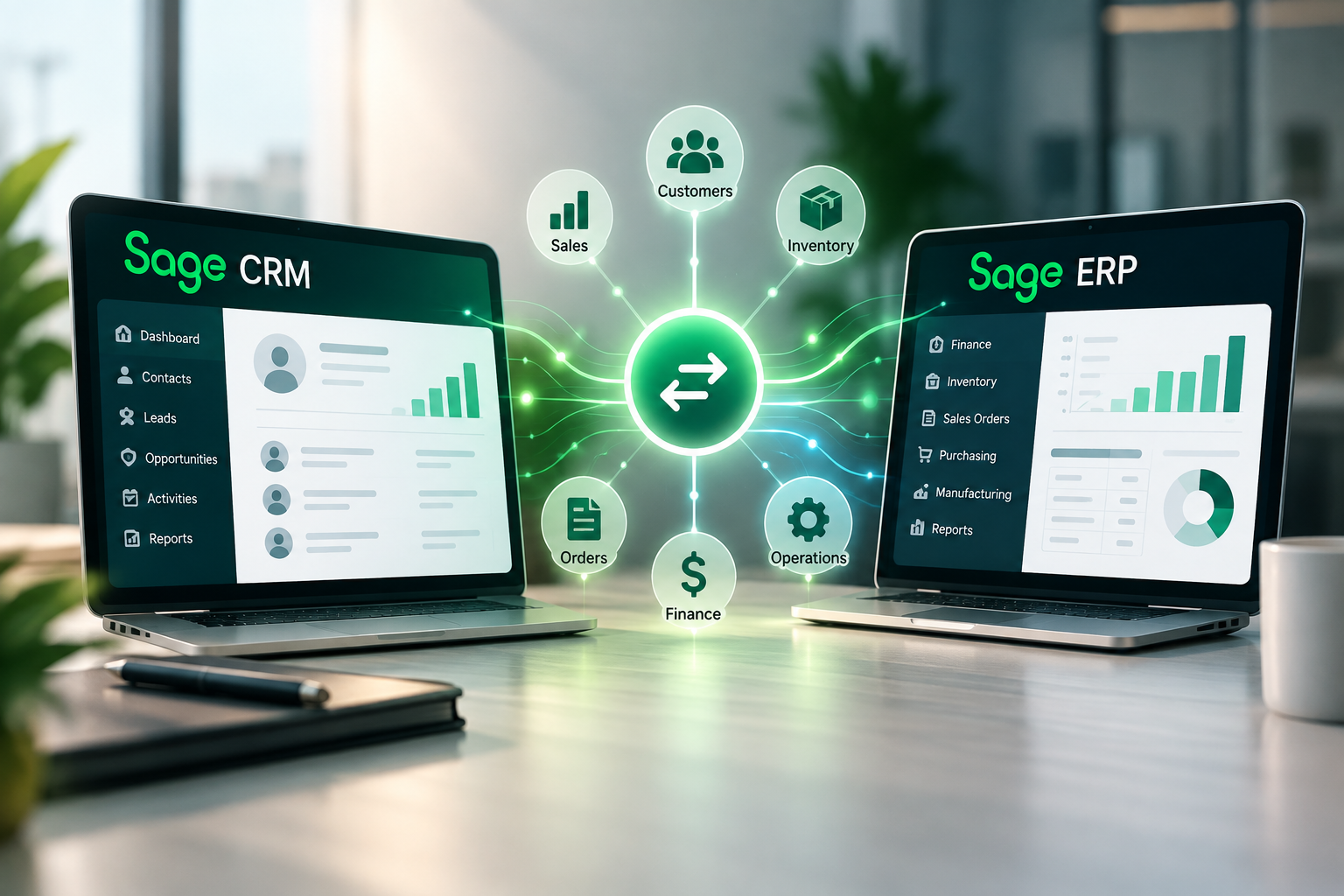
Sage CRM + Sage ERP Integration: Connecting Sales With the Rest of Your Business
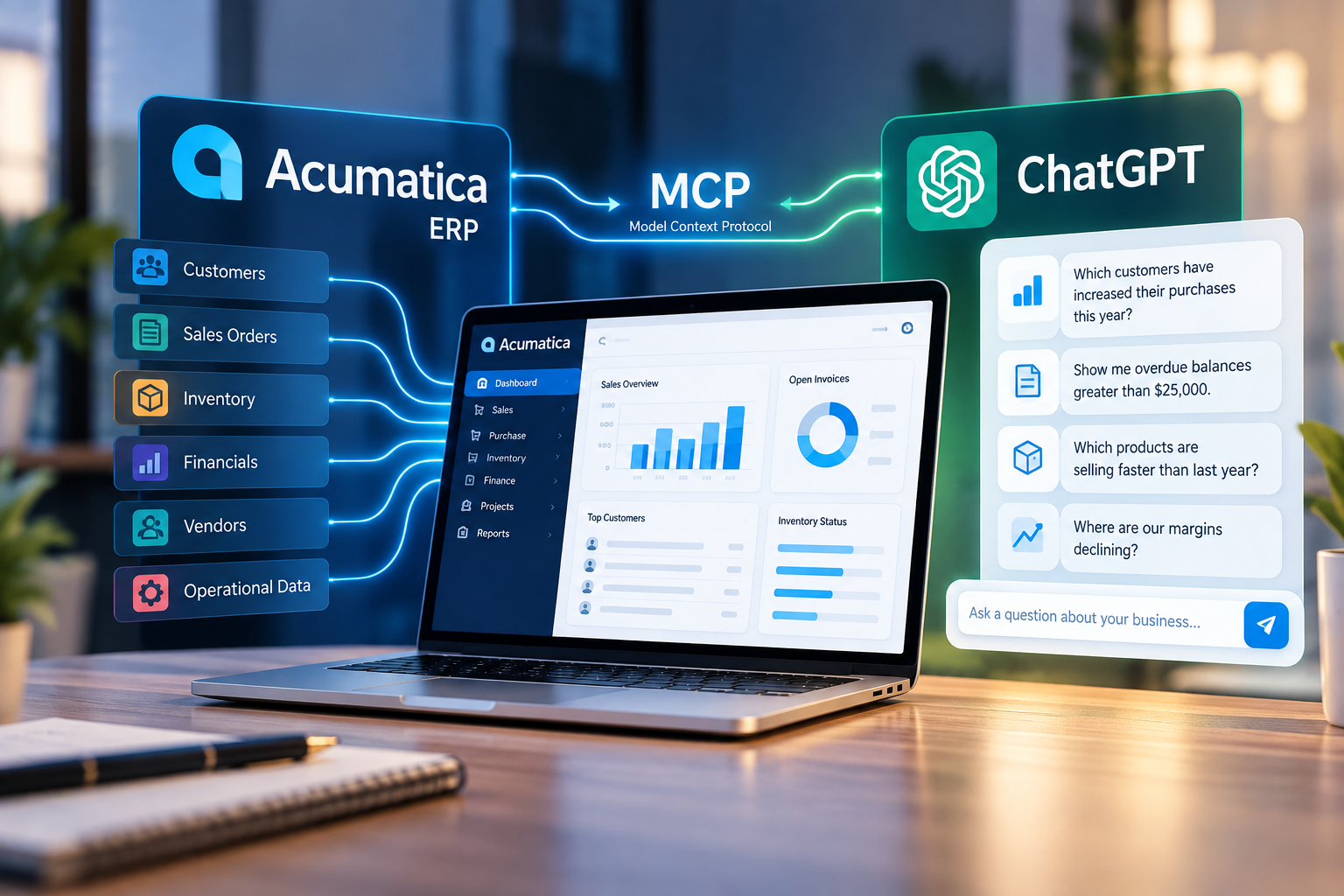
Acumatica + ChatGPT: What the New MCP Connection Means for Your Business
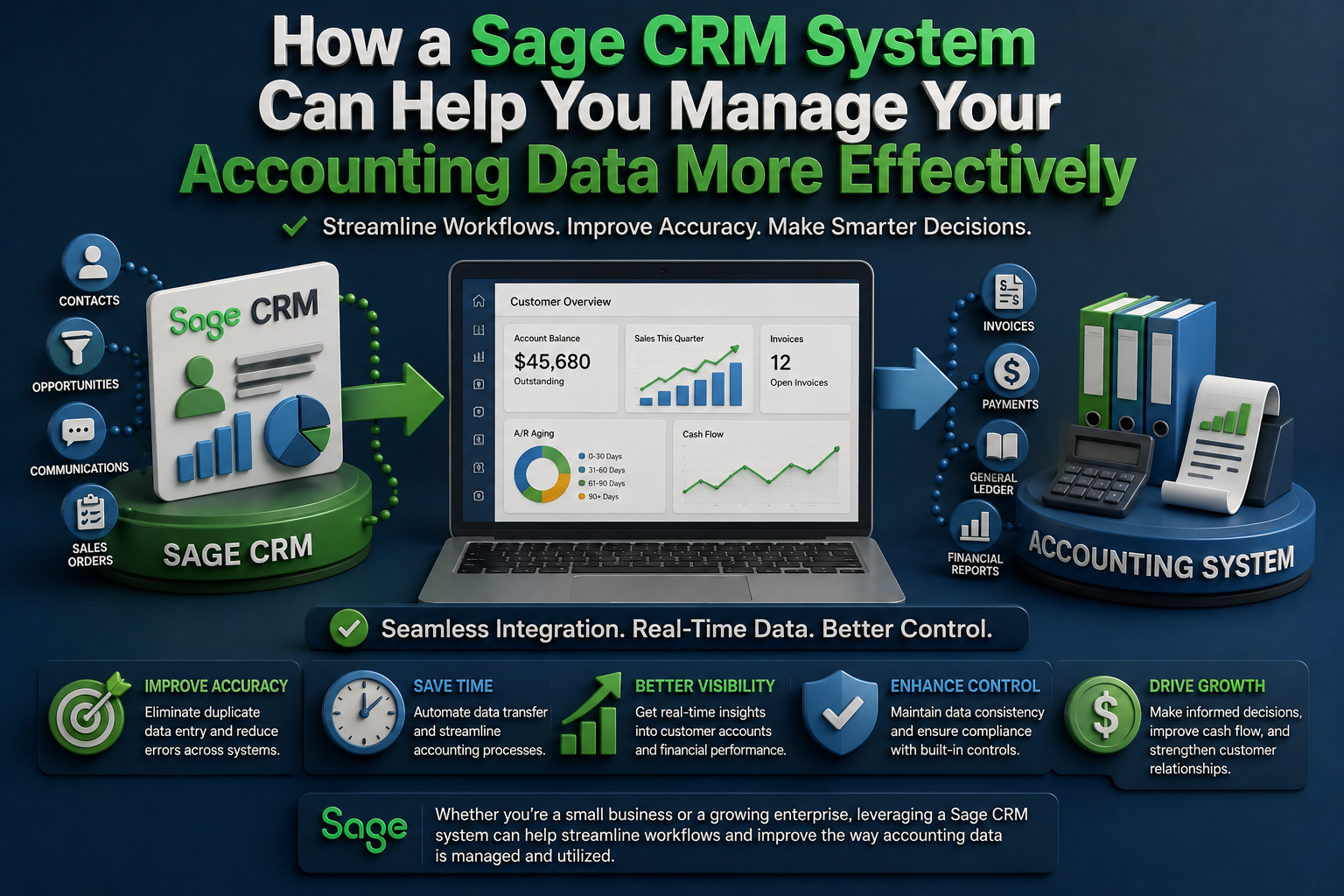
How a Sage CRM System Can Help You Manage Your Accounting Data More Effectively
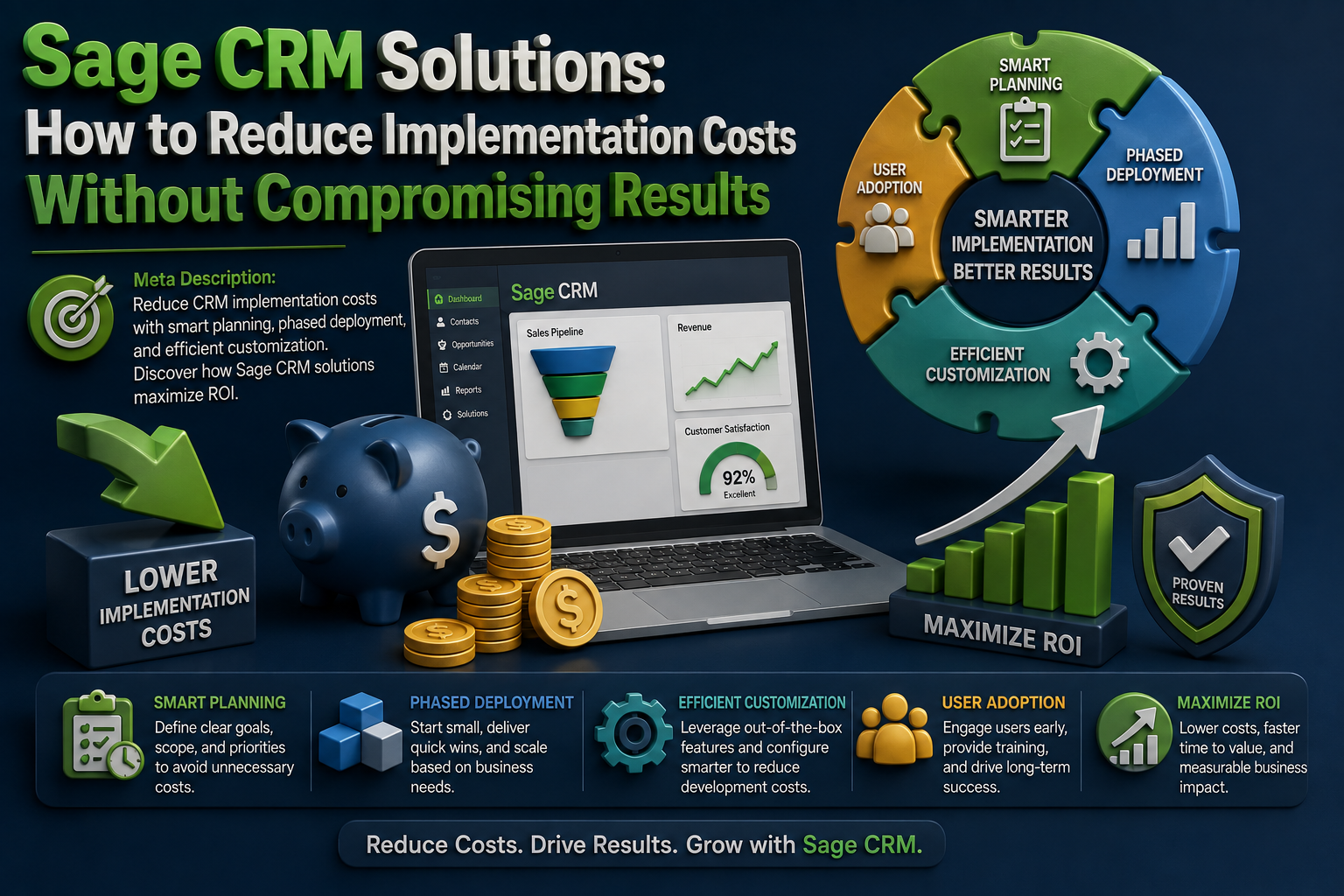
Sage CRM Solutions: How to Reduce Implementation Costs Without Compromising Results