


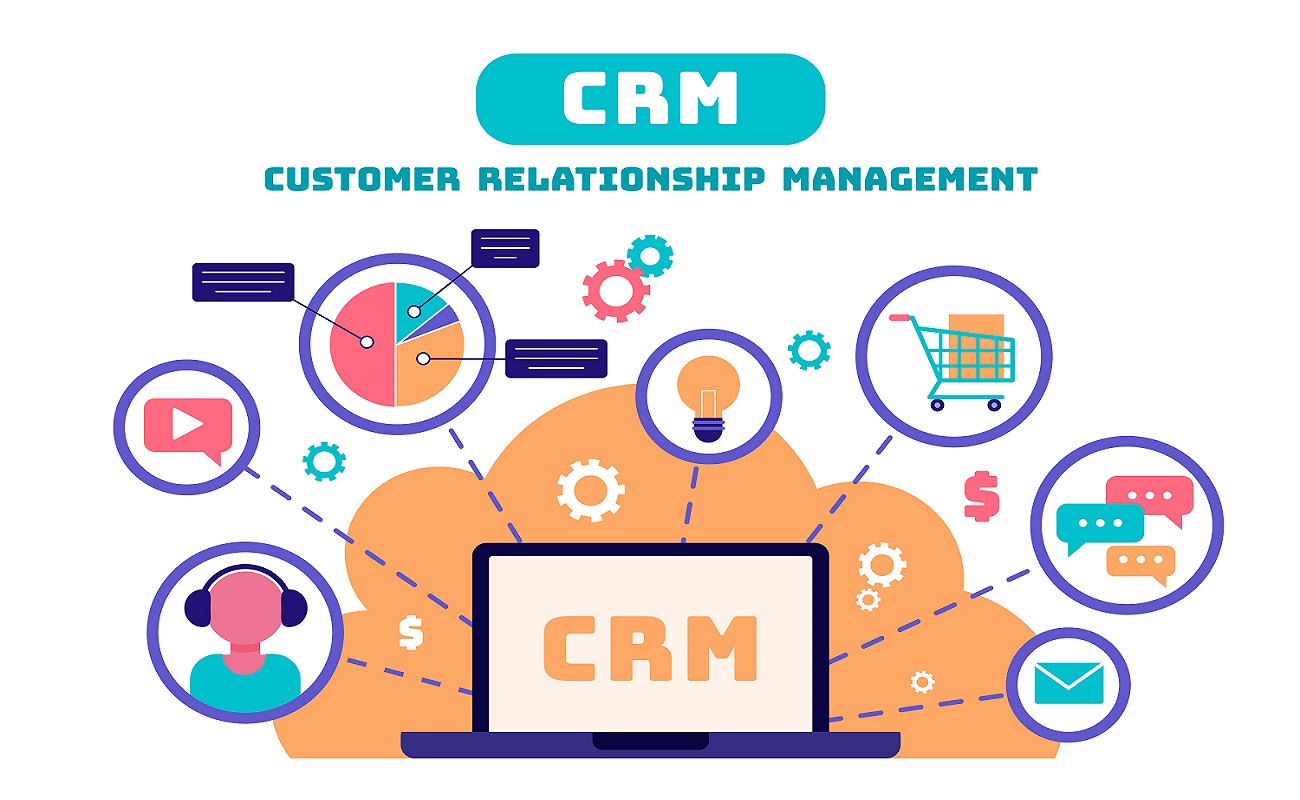
In today’s competitive marketplace, businesses need more than just great products or services to succeed. The ability to manage customer relationships, streamline sales processes, and leverage data-driven insights is what separates thriving companies from those that struggle. This is where Sage CRM software becomes a powerful ally. By building a well-structured Sage CRM sales strategy plan, businesses can transform their sales operations, improve customer engagement, and drive sustainable growth.
Understanding to Sage CRM
Sage CRM is a customer relationship management platform designed to help the small and medium-sized enterprises (SMEs) manage sales, marketing, and customer service in one integrated system. Unlike generic CRM tools, Sage CRM integrates seamlessly with Sage’s accounting and ERP solutions, making it particularly valuable for businesses seeking a unified view of both financial and customer data.
A sales strategy plan built around Sage CRM ensures that businesses not only adopt the software but also align it with their unique goals, processes, and customer needs.
Step 1: Define Business Goals and Success Metrics
The foundation of any sales strategy plan is clarity of purpose.
By setting clear targets, businesses can measure the impact of Sage CRM and ensure alignment across departments.
Step 2: Map Current Sales Processes
Before implementing Sage CRM, it’s essential to understand existing workflows.
This step ensures that Sage CRM is configured to address real challenges rather than simply replicating outdated processes.
Step 3: Configure Sage CRM for Your Business
Customization is key to making Sage CRM work for your unique needs.
Proper configuration ensures that the system supports your sales strategy rather than complicating it.
Step 4: Build the Sales Strategy Plan
With goals and processes defined, and CRM configured, it’s time to build the plan itself.
This structured approach ensures that Sage CRM becomes a central hub for managing and optimizing sales activities.
Step 5: Training and Adoption
Even the best CRM strategy will fail without user adoption.
Adoption is not just about learning the software it’s about embedding CRM into the daily rhythm of sales operations.
Step 6: Continuous Improvement
A sales strategy plan is never static.
Continuous improvement ensures that Sage CRM remains relevant and effective as your business grows.
Challenges to Anticipate
By anticipating these challenges, businesses can proactively address them and ensure smoother implementation.
Conclusion
Building a Sage CRM sales strategy plan is about more than just adopting software; it’s about aligning people, processes, and technology to achieve business growth. By defining clear goals, mapping workflows, configuring CRM effectively, and ensuring adoption, businesses can transform their sales operations into a streamlined, data-driven engine. With continuous improvement, Sage CRM becomes not just a tool but a strategic partner in long-term success.
Visit CRM Systems to explore expert guidance and solutions tailored to your business.
How to Build a Sage CRM Sales Strategy Plan for Businesses?
How Sage CRM Software Empowers SMEs to Build Stronger Customer Relationships?
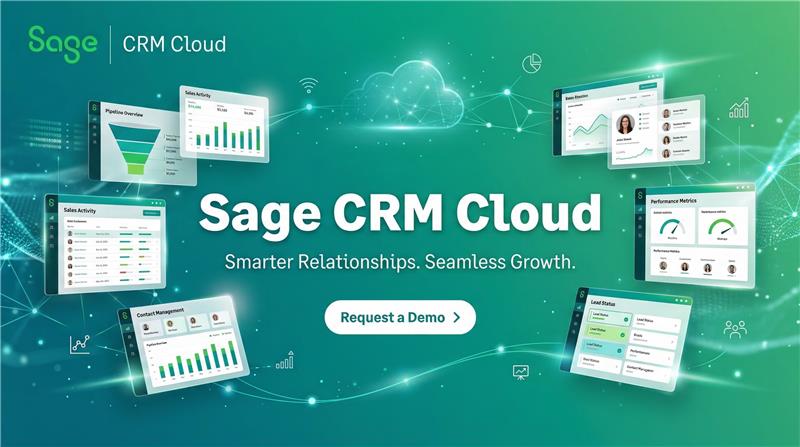
Why Businesses Must Opt for Sage CRM Cloud?
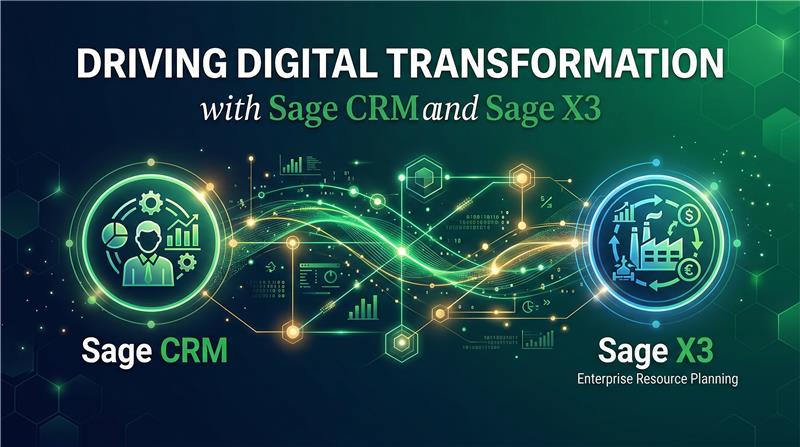
Driving Digital Transformation with Sage CRM and Sage X3
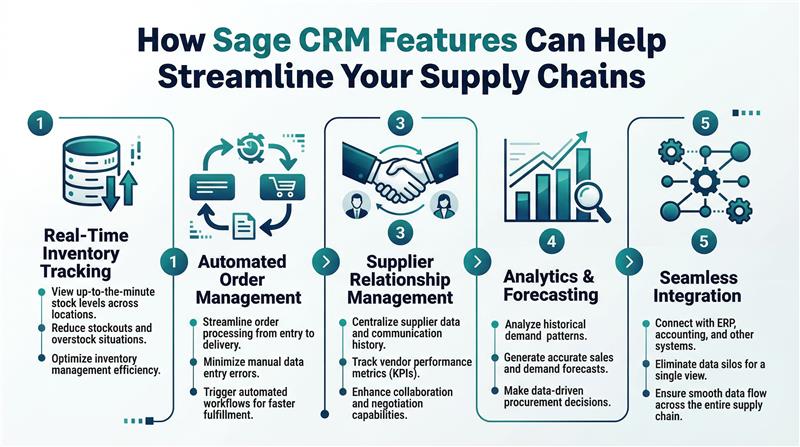
How Sage CRM Features Can Help Streamline Your Supply Chains?